

Your recovery kit
The only way back in if you forget your master password.
What it is
A small file plus a recovery key that can set a new master password for your vault. Without it, a forgotten master password means the vault is lost. Nobody can reset it for you.
Create it
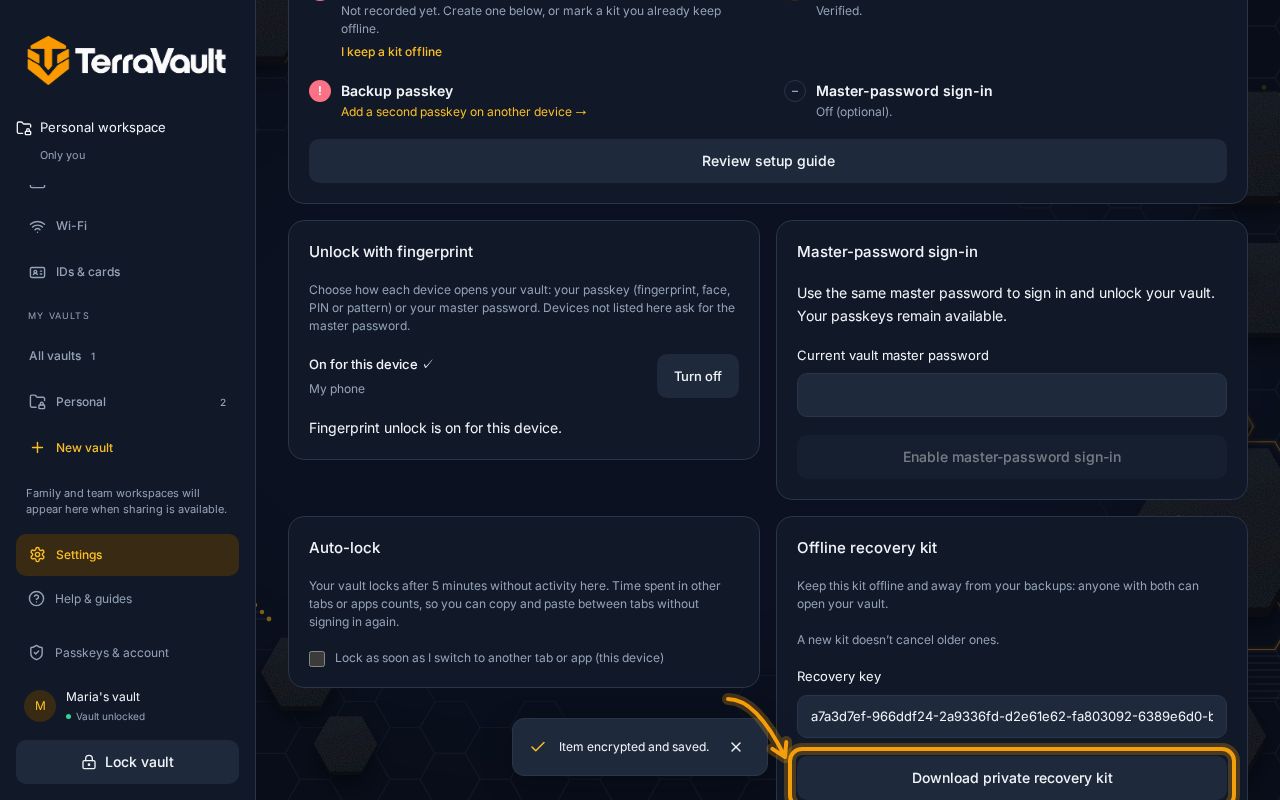
- Open your vault, then Settings (the Security tab opens first).
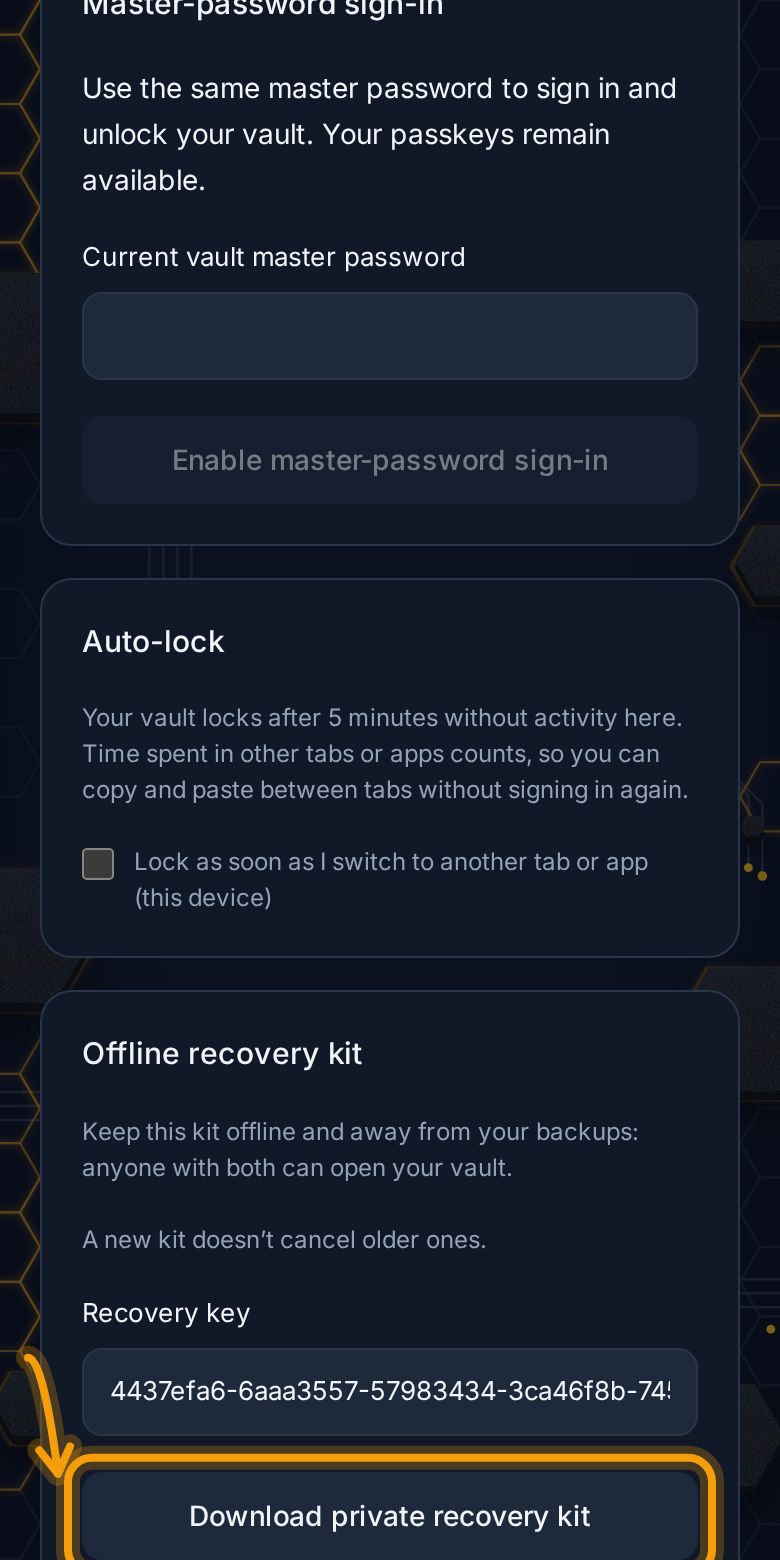
- Tap Create offline recovery kit.
- Tap Download private recovery kit and save the file.
- Confirm by typing the key from your saved kit.
Keep it safe
- Offline: print it, or save it to a USB stick kept at home.
- Separate: not in your email, not in the same place as your phone.
- Anyone with the kit and a copy of your vault could open it, so treat it like a house key.
If you forget your master password
On the unlock screen, tap Forgot master password?, then follow the steps with your recovery kit. You'll choose a new master password. Afterwards, create a new recovery kit; the old one stops working.
No kit? If you set up recovery contacts, they can help you back in instead.
Still stuck? Contact support.