

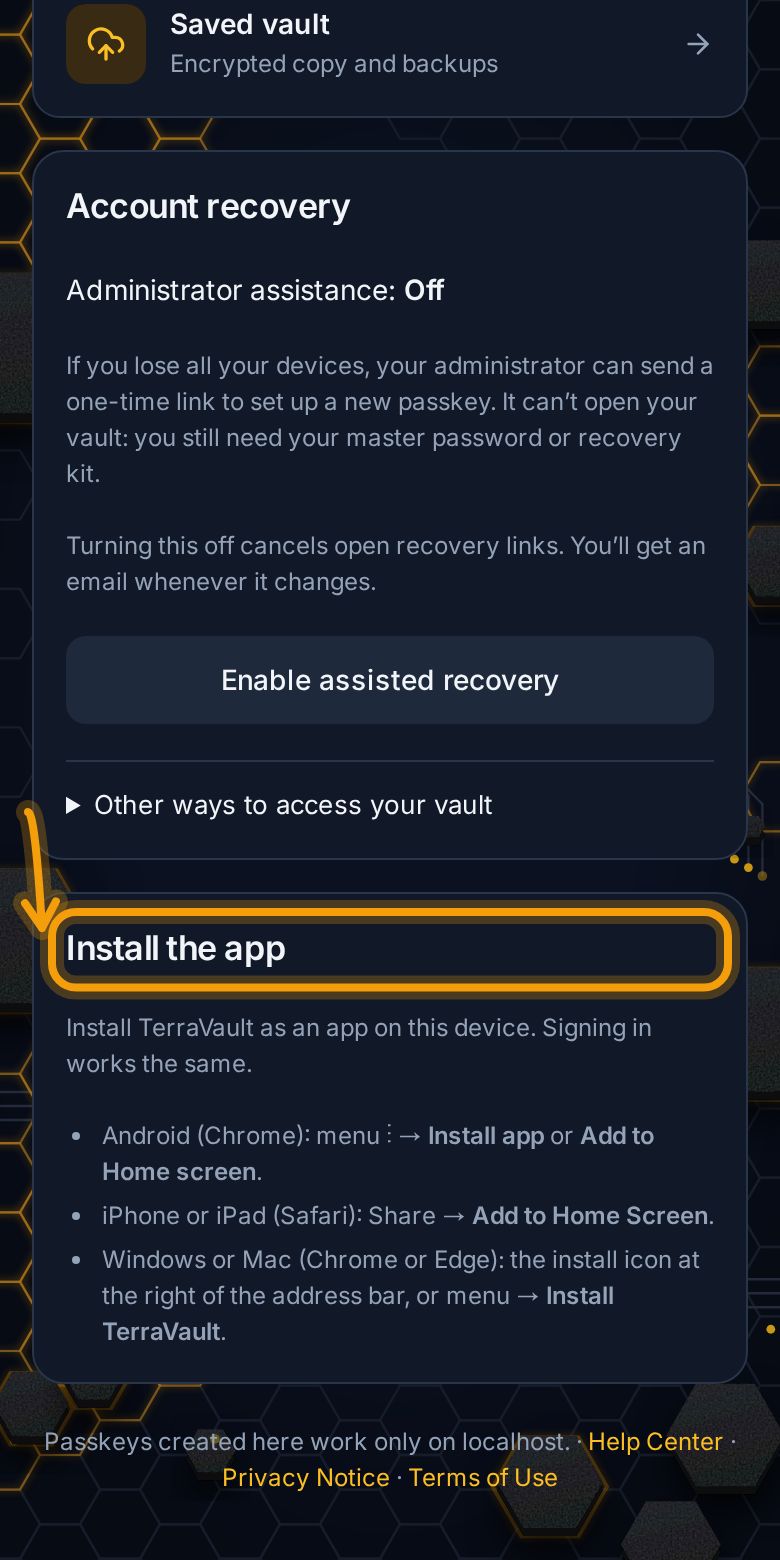
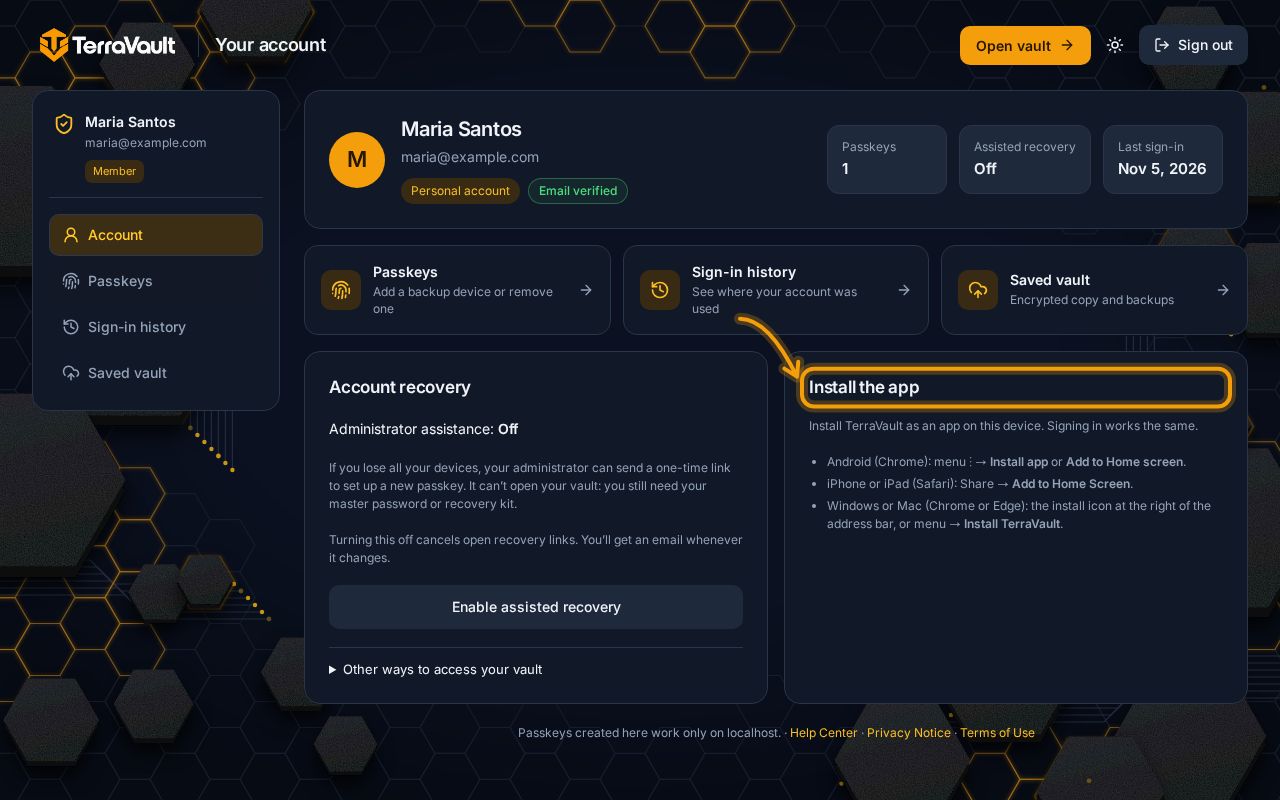
Install the app
Put TerraVault on your home screen or desktop like a normal app.
TerraVault installs straight from the website. There's nothing to download from a store, and it updates itself.
Android (Chrome)
Open terra.pentascale.net, tap the ⋮ menu, then Install app or Add to Home screen.
iPhone or iPad (Safari)
Open terra.pentascale.net, tap Share, then Add to Home Screen.
Windows or Mac (Chrome or Edge)
Click the Install icon at the right of the address bar, or open the menu and choose Install TerraVault.
Only install from terra.pentascale.net. TerraVault never asks you to download an app file (APK) from anywhere else.
Still stuck? Contact support.